How to make smaller Docker images with upx and multistage builds

In a previous article of me i had give an example on how to use upx in order to compress executables but still be runnable, you can find more here: https://medium.com/@kpatronas/how-to-make-smaller-executables-with-upx-db3d2ce75df8
In this article i will show you how you can combine upx and multistage docker builds on order to create docker images that will have compressed executables, which in turn will create smaller images, lets see how it works!
What multistage builds are
With multi-stage builds, you use multiple FROM statements in your Dockerfile. Each FROM instruction can use a different base, and each of them begins a new stage of the build. You can selectively copy artifacts from one stage to another, leaving behind everything you don't want in the final image.
Create the go code
This is the code we will use to compile, save the following as main.go
package main
import "fmt"
func main() {
    fmt.Println("hello world")
}
Multistage Build example
Create the following file and save it as Dockerfile
FROM golang:1.20-alpine AS builder
RUN apk add --no-cache upx
WORKDIR /app
COPY . .
RUN go build -o app main.go && upx --best app


FROM alpine:latest
WORKDIR /app
COPY --from=builder /app/app /app/app
ENTRYPOINT ["/app/app"]
To create the image run
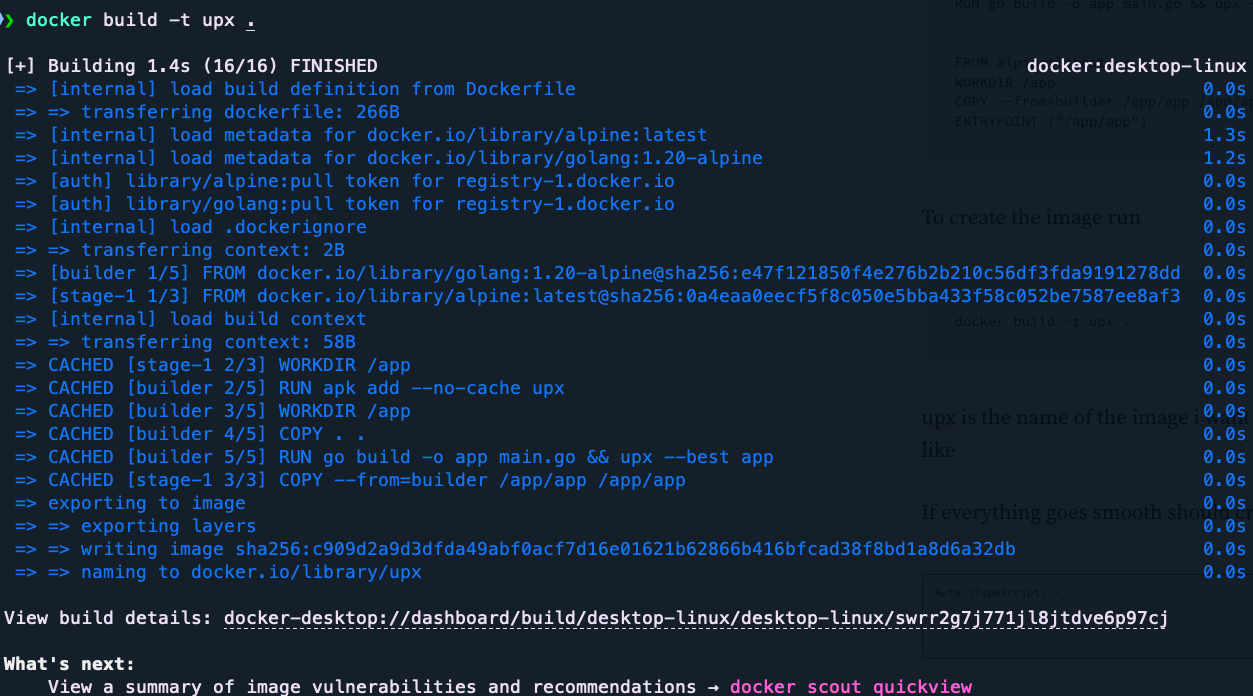
docker build -t upx .upx is the name of the image i want to create, you can use any name you like
If everything goes smooth should create output like the following
How it works
Lets break down step by step the Dockerfile in order to have a better understanding what is happening
This line names the first image created in this build as builder, note that this image will not be saved and will used only while docker build
FROM golang:1.20-alpine AS builderThese lines install package upx that is used to compress the executable, sets as workdir /app inside the imageand copies everything (the source code named main.go) from Docker host to the image /app directory
RUN apk add --no-cache upx
WORKDIR /app
COPY . .
This line instructs go to compile main.go , on successful compile this produce an executable named app , then it will be compressed by upx, — best creates the smallest possible executable
RUN go build -o app main.go && upx --best appThese lines creates the final image that will contain only the executable, and then copy the executable from the previous step image “builder” to the current image
FROM alpine:latest
WORKDIR /app
COPY --from=builder /app/app /app/app
ENTRYPOINT ["/app/app"
Running the image
Lets now verify that the image works! entering the following will create a container from this image and will print “hello world”
$ docker run -it --rm upx
hello world
Conclusion
Knowing how to use upx with docker can produce smaller images which is very nice when you need to distribute the image over slow networks, also it can reduce the space needed for image repository ! i hope you enjoyed this article! :)
$ ls ./see-also/
$ ./buy-me-a-coffee ☕ // found this useful? I write these in my spare time