Linux: Create a RAM disk to speed up your I/O file operations.
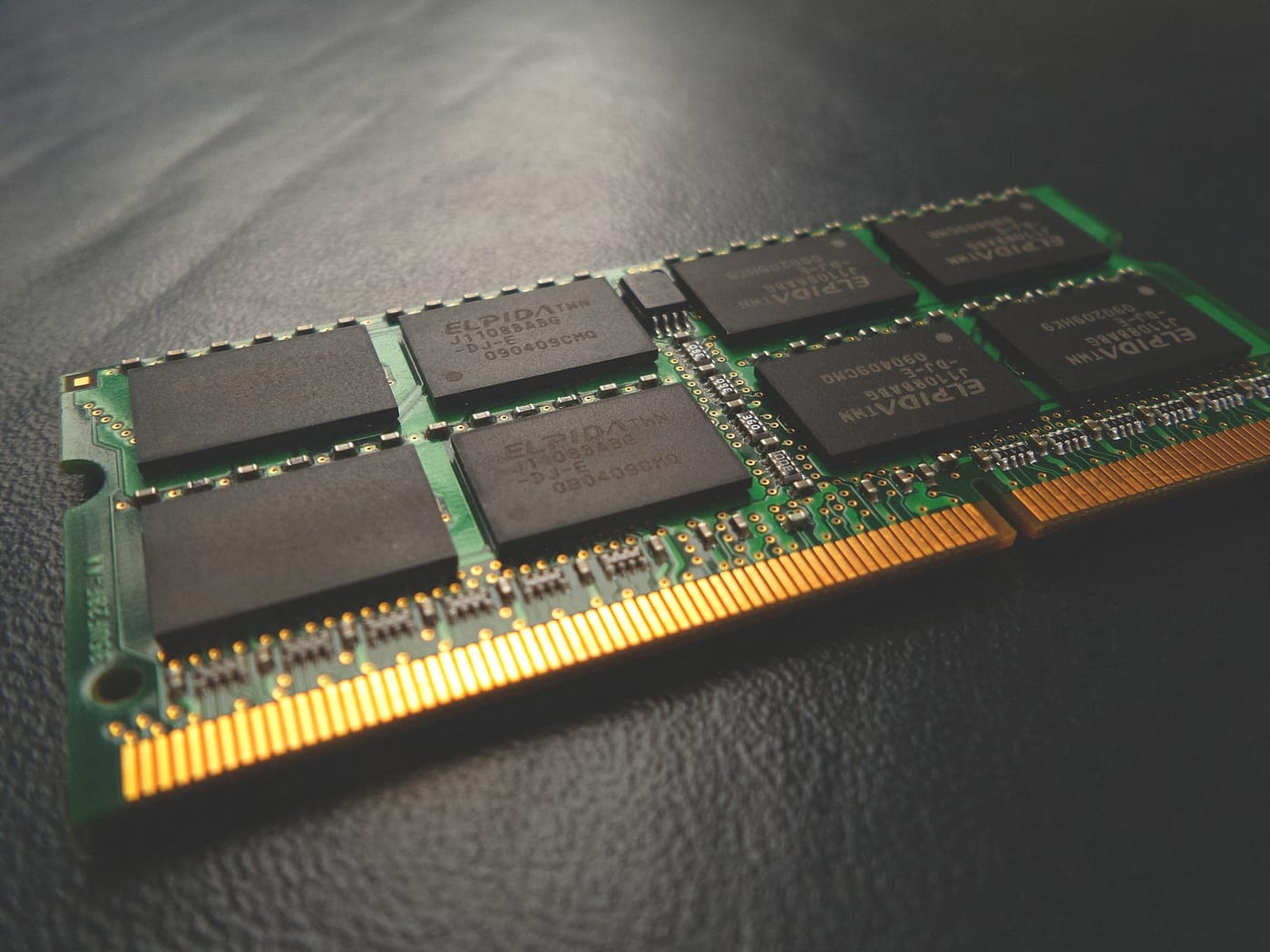
Assume that you have a lot of RAM that you don't need but your storage devices are quite slow. At the same time, you have a program that needs to do intensive read-only disk operations, what you can do? create a RAM disk!
Note: The computer i am doing my tests is Linux VM under windows, so the results probably will be different especially in bare metal configurations, but you should expect RAM being always faster!
How to create the RAM disk.
In this example we will mount the RAM disk under /mnt/ramdisk, the size of our RAM disk will be 2G.$ sudo mkdir /mnt/ramdisk
$ sudo mount -t tmpfs -o rw,size=2G tmpfs /mnt/ramdisk
Test the write performance of the RAM disk.
First, we will test the write performance of the RAM disk VS my laptop SSD
Writing an 1GB file to ram disk takes about 1.3seconds or 770MB/sdd if=/dev/zero of=/mnt/ramdisk/test1.img bs=1G count=1 oflag=dsync
1+0 records in
1+0 records out
1073741824 bytes (1.1 GB, 1.0 GiB) copied, 1.39533 s, 770 MB/s
Doing the same test to the disk takes far more time, 2.6 seconds, almost twice the time using a ram disk.$ dd if=/dev/zero of=./test1.img bs=1G count=1 oflag=dsync
1+0 records in
1+0 records out
1073741824 bytes (1.1 GB, 1.0 GiB) copied, 2.66115 s, 403 MB/s
Now we will measure the write latency, we will write 512 Bytes 10000 times to measure the write latency.
Using RAM disk the results are great! we need just 0.011 seconds to write 512 Bytes 10000 times.$ dd if=/dev/zero of=/mnt/ramdisk/test1.img bs=512 count=10000 oflag=dsync
10000+0 records in
10000+0 records out
5120000 bytes (5.1 MB, 4.9 MiB) copied, 0.0118063 s, 434 MB/s
Using the SSD disk, the results were terrible, we needed 15.94 seconds.$ dd if=/dev/zero of=./test1.img bs=512 count=10000 oflag=dsync
10000+0 records in
10000+0 records out
5120000 bytes (5.1 MB, 4.9 MiB) copied, 15.943 s, 321 kB/s
Test the read performance of the RAM disk.
Now we will test the read performance of the ram disk vs SSD
Lest create some big files again.dd if=/dev/zero of=./test1.img bs=1G count=1 oflag=dsync
dd if=/dev/zero of=/mnt/ramdisk/test1.img bs=1G count=1 oflag=dsync
Reading from the disk it takes some timetime dd if=./test1.img of=/dev/null bs=8k
131072+0 records in
131072+0 records out
1073741824 bytes (1.1 GB, 1.0 GiB) copied, 1.87851 s, 572 MB/sreal 0m1.901s
user 0m0.057s
sys 0m1.189s
Reading from RAM disk is way faster, in a magnitude of many times better.time dd if=/mnt/ramdisk/test1.img of=/dev/null bs=8k
131072+0 records in
131072+0 records out
1073741824 bytes (1.1 GB, 1.0 GiB) copied, 0.143618 s, 7.5 GB/sreal 0m0.145s
user 0m0.011s
sys 0m0.134s
The drawback of using a RAM disk.
The greatest drawback is the lack of persistence, one way to deal with this is to use a program like rsync that will keep a copy of RAM disk to a directory in disk, note that this is not a 100% safe method, and you will probably lose some data in case of power failure for example but still is better than having no persistence.
I hope you found this article useful!
$ ls ./see-also/
$ ./buy-me-a-coffee ☕ // found this useful? I write these in my spare time