Someone hide a jpg file without extension in your system! how you can find it?

Assume the following scenario! a hacker placed jpg files with company secrets in a server in order to retrieve them latter, jpg files have been renamed to random names without any extensions that can identify them, how you can find them? its much easier you might think! lets see!
The find command
First step is to find files without extensions, to do this we use the following
sudo find / -type f ! -name "*.*"The -name "*.*" finds all files with extension, the ! before negates the results.
The file command
Now we have files without extension!, but how we can identify which of them are actual jpg images? using the file command!
find / -type f ! -name "*.*" -exec file --mime-type {} + | grep 'image/jpeg' image/jpeg-exec executes the file --mime-type command with parameter being each found file, then the output is filtered by grep to show only files that are jpg images.
Running the command generate the following results
find / -type f ! -name "*.*" -exec file --mime-type {} + | grep 'image/jpeg'
/root/my_innocent_file:                                                             image/jpeg
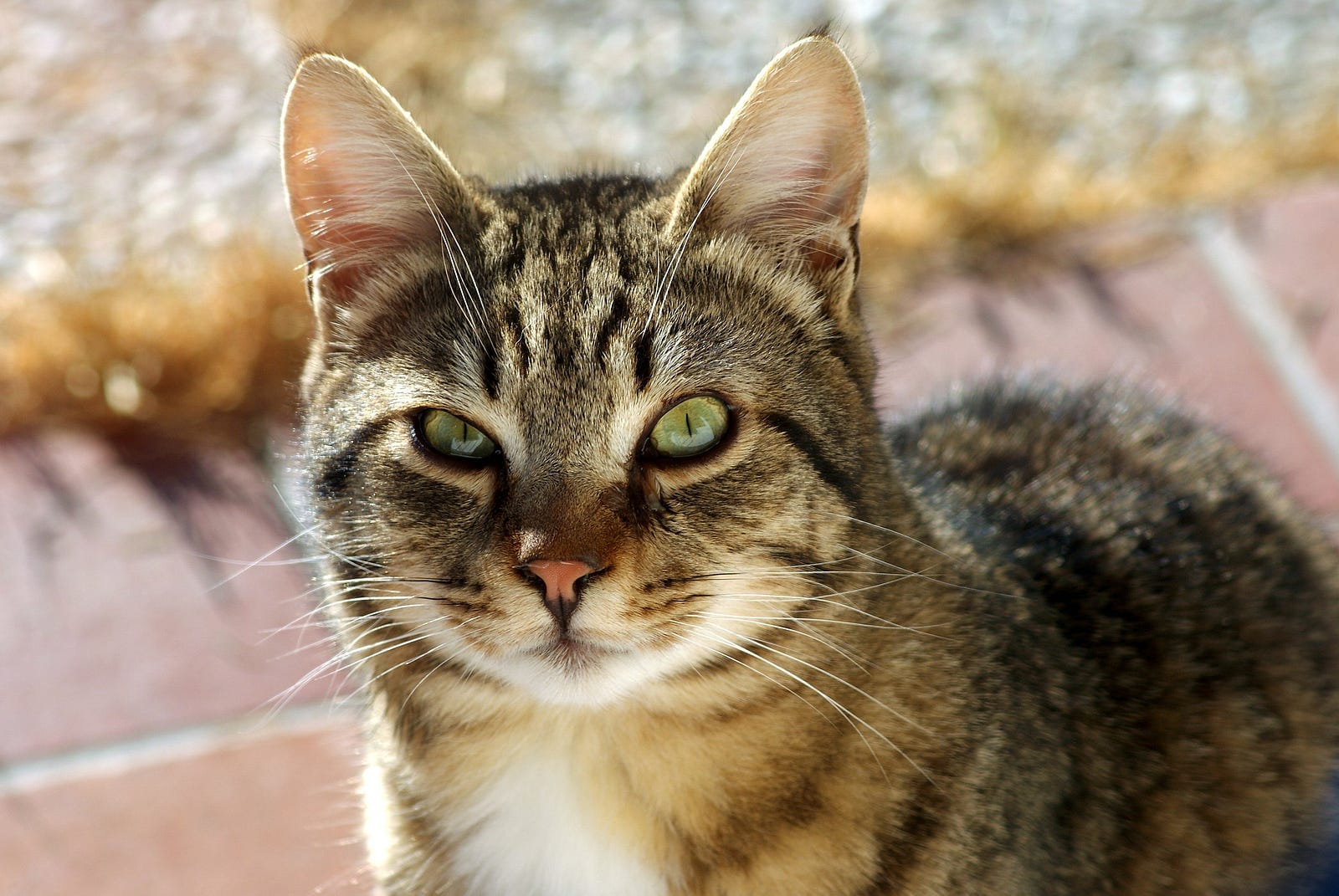
Do you wander what this file contains? oh! they took a photo of our company cat! probably because she is so pretty! :)
Adding a timestamp in the output
Lets assume now that we want to do a more in depth investigation and we want also to print modification timestamps that can help us understand how many times the hacker hid images on this server
$ sudo find / -type f ! -name "*.*" -exec stat -c "%y %n" {} \; |
while read -r line; do
    file --mime-type echo $(echo "$line" | cut -d " " -f4) |
    grep 'image/jpeg' |
    sed "s|^|${line% * } |";
done

2024-08-09 12:31:40.779496626 +0200 /root/my_innocent_file /root/my_innocent_file: image/jpeg
Find results are throw into the while loop which reads from the stdin and stored in the variable named $line, then the filename part is passed to the file command and the result of file to grep for filtering, then sed pre-appends timestamp in the file.
Conclusion
In this article we saw how combining commands like find and file to create a powerful tool that can help us audit our file systems for files that might look innocent but in reality might be something malicius or expose sensitive data.
$ ls ./see-also/
$ ./buy-me-a-coffee ☕ // found this useful? I write these in my spare time