AWS: How to install and configure awscli
awscli is a Python command line tool that allows us to manage various AWS services, first we need to install awscli, to do this run$ sudo pip3 install awscli
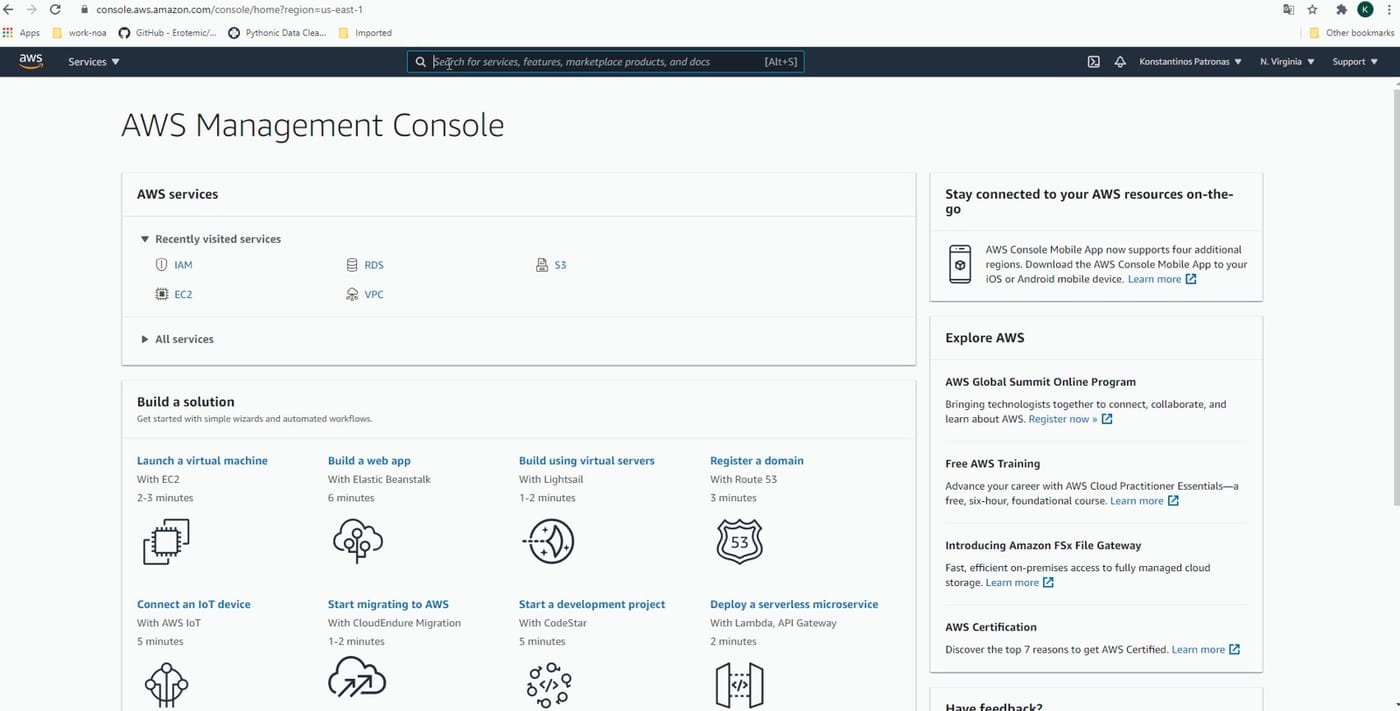
Now we need to create an access key for our AWS user, to do this open the web interface to AWS console and do the following for the user you want to create an access key, note that the accesses of the key are limited from the accesses that the user have.
Now we need to configure the awscli to use this key, open shell and enter$ aws configure
It will ask you for:
- AWS Access Key ID
- AWS Secret Access Key
Paste the values from the file we just generated from the aws console
To verify that works enter$ aws iam list-users
Assuming that this user has access to list users it should return a JSON output of the users
$ ls ./see-also/
$ ./buy-me-a-coffee ☕ // found this useful? I write these in my spare time