Linux: Create a one-line web server in bash that will execute shell commands.

Do you want a quick, dirty, and unsafe way to execute commands to your Linux box over HTTP? You can use the following hack! I don't recommend using this for a production system or something more important than a hobby project.
Save the following file as webserver.sh
#!/bin/bash
while true; do echo -e "HTTP/1.1 200 OK\n\n$($1)" | nc -l -k -p 8080 -q 1; done
Make it executable
$ chmod +x ./webserver.shTime for testing! We will execute ps aux in every HTTP request towards port 8080 of our computer
$ ./webserver.sh "ps aux"Open a web browser and enter http://127.0.0.1:8080
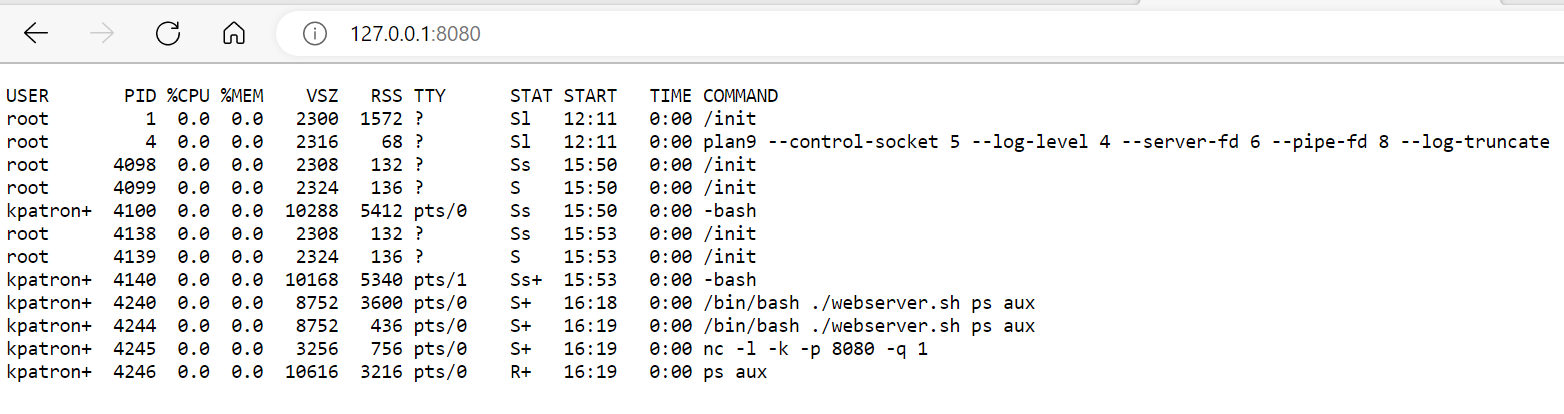
As you can see, the results of ps aux command are printed on every click!
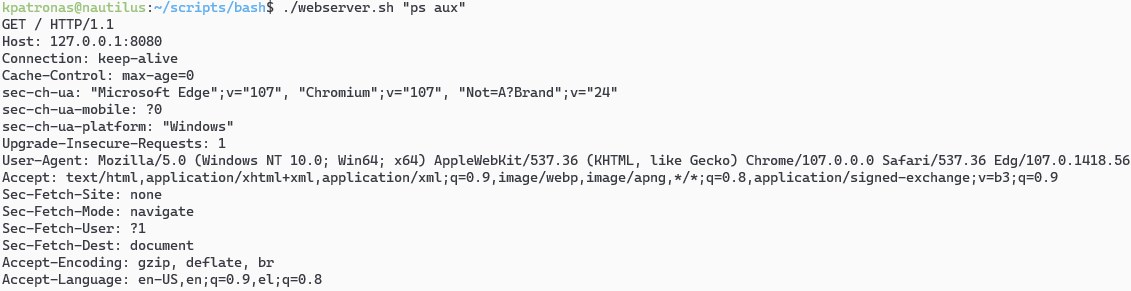
Also, we can see some output of the HTTP request to the console.
How this works
while true; do echo -e "HTTP/1.1 200 OK\n\n$($1)" | nc -l -k -p 8080 -q 1; done- There is an always-executing loop using
while true nccommand opens a listener on port 8080- On every click, the text passed as a parameter to the webserver.sh is executed, and its result, along with some HTTP headers is passed to
ncwhich in turn sends to our browser.
I hope you enjoyed this article :)
$ ls ./see-also/
$ ./buy-me-a-coffee ☕ // found this useful? I write these in my spare time