The Fastest Way to Back Up a File in Bash (You’re Probably Not Using It)
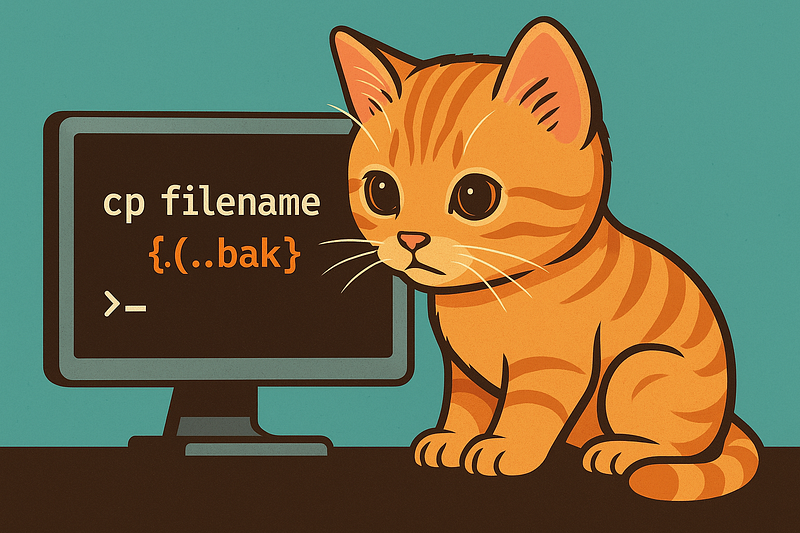
When working in the terminal, backing up a file before editing it is a habit that saves time, nerves, and sometimes entire systems. There’s a Bash trick that makes this almost effortless:
cp filename{,.bak}How It Works
This command relies on brace expansion, a shell feature that generates multiple strings from a single pattern.
filename{,.bak}expands to:
filename filename.bakSo Bash actually executes:
cp filename filename.bakYou type the filename once, and Bash handles the rest.
Why This Is Better Than the “Normal” Way
Most people write:
cp filename filename.bakThat works — but brace expansion has advantages:
- Faster typing
- Fewer mistakes, especially with long filenames
- Cleaner commands
- Easier to scan in scripts and terminal history
Once you get used to it, going back feels slow.
Real-World Examples
Before editing a configuration file:
cp nginx.conf{,.bak}Before changing a script:
cp deploy.sh{,.bak}Need to roll back?
mv filename.bak filenameInstant undo.
Useful Variations
Different suffix:
cp file{,.old}
cp file{,.backup}
Timestamped backup:
cp file{,.$(date +%F)}Result:
file.2025-12-15Interactive mode (asks before overwriting):
cp -i filename{,.bak}Important Notes
- Works in Bash, Zsh, and most modern shells
- Does not work in plain
sh(POSIX shell) - Overwrites existing
.bakfiles unless-iis used
Why This Matters
This is a small trick, but it encourages a safer workflow:
- Backups become automatic
- You’re more likely to make one
- Mistakes become reversible
Over time, these tiny habits add up to fewer outages, fewer panics, and cleaner shell usage.
Final Thought
If you use the terminal daily, this one-liner deserves a permanent spot in your muscle memory:
cp filename{,.bak}Small command. Big payoff.
$ ls ./see-also/
$ ./buy-me-a-coffee ☕ // found this useful? I write these in my spare time